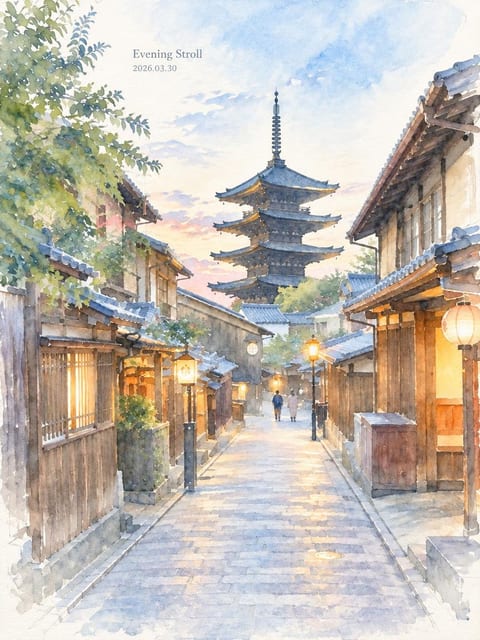
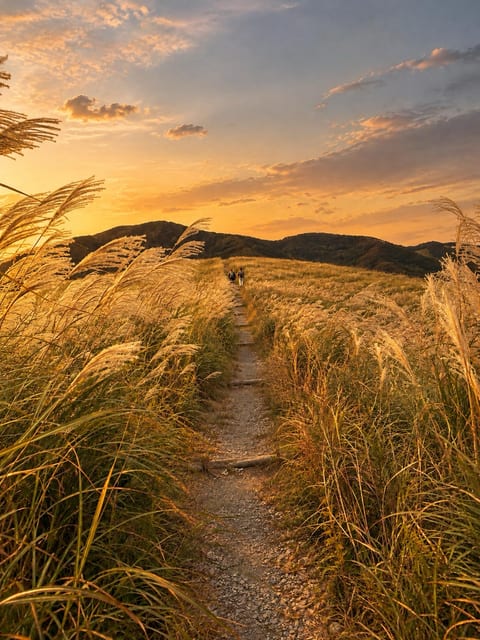
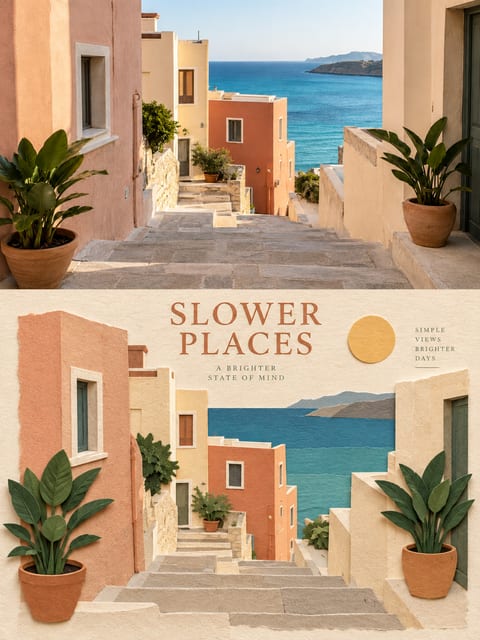
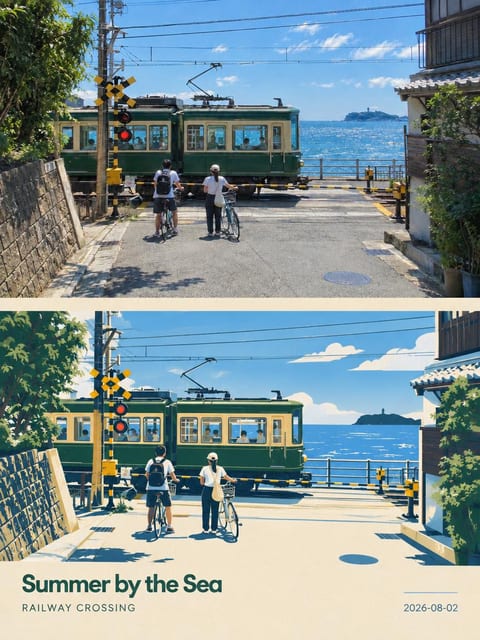
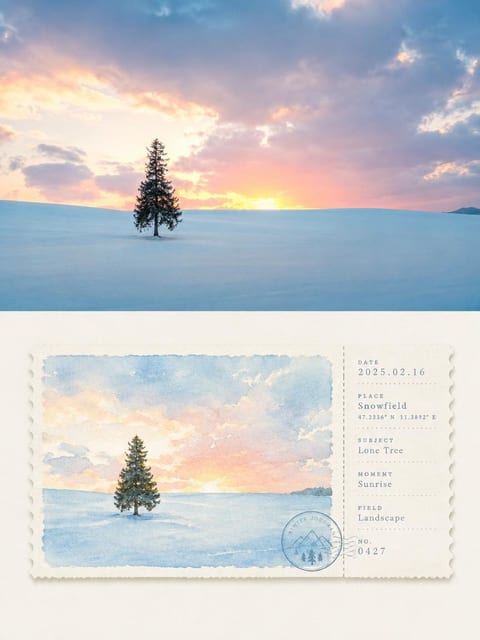
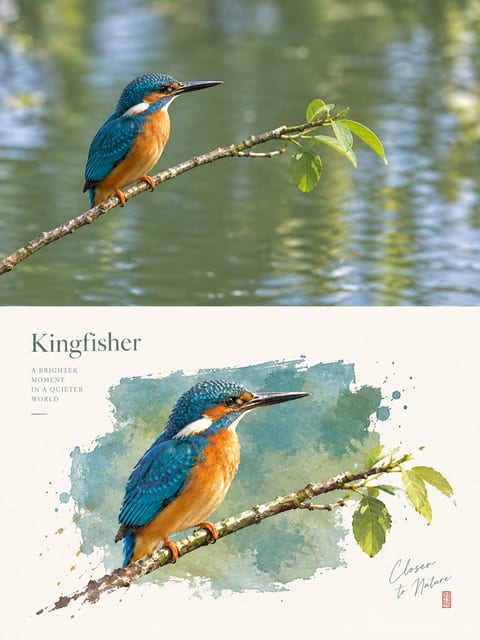
Shoot or import a photo, choose a style, tap once, and it’s an artwork.
For iPhone · Free to start
Styles
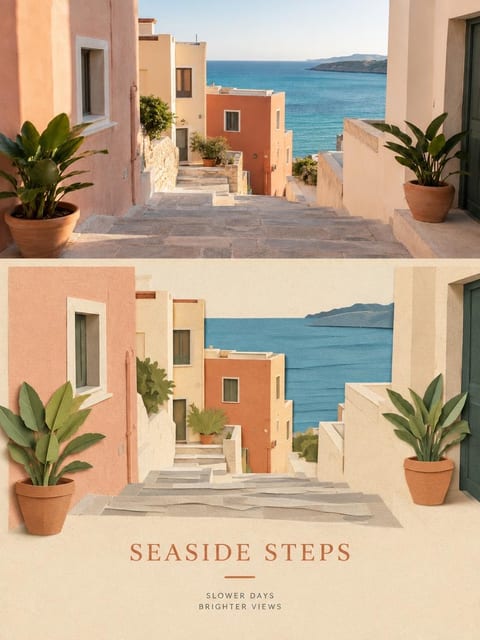
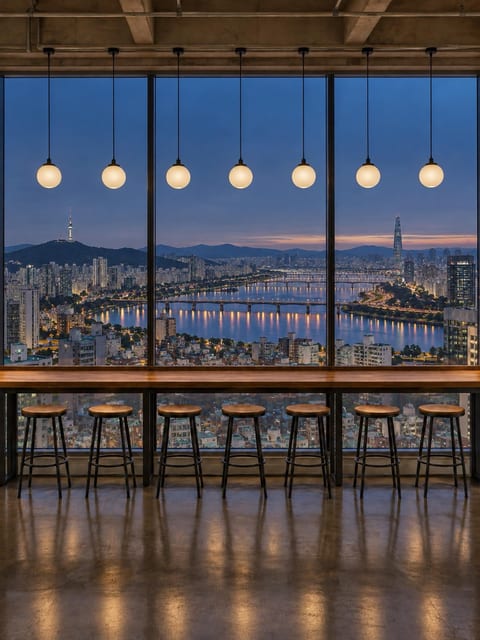
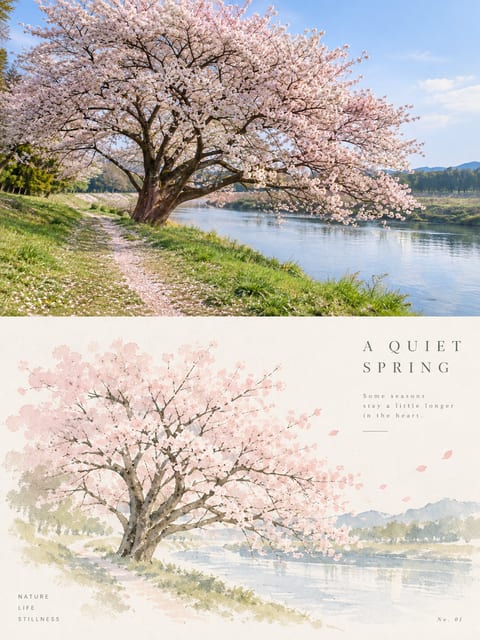
Adjusted for each photo. In the open artwork, the left half is the original under the same warm filter; the right half is what Photine made from that photo’s own light and content. Every artwork with an Original can be compared this way.
Point at either half to see it whole.
From photo to artwork
Swipe to another style
Each page of the canvas is one style’s sample: another light for the same photo, or the whole photo redrawn. More styles are on the way.
Tap once
No tweaking. The photo settles onto the sheet, and after a short wait it is an artwork in that style.
Plein Air
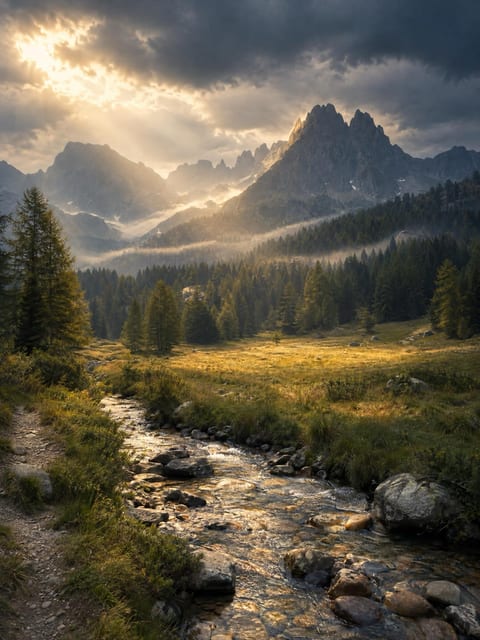
Golden Hour
Papercraft
Silkscreen
Craft
Crafting…
ShareSave
Your photo, one more kind of beautiful.
Shoot or import a photo, choose a style, tap once, and it’s an artwork.